
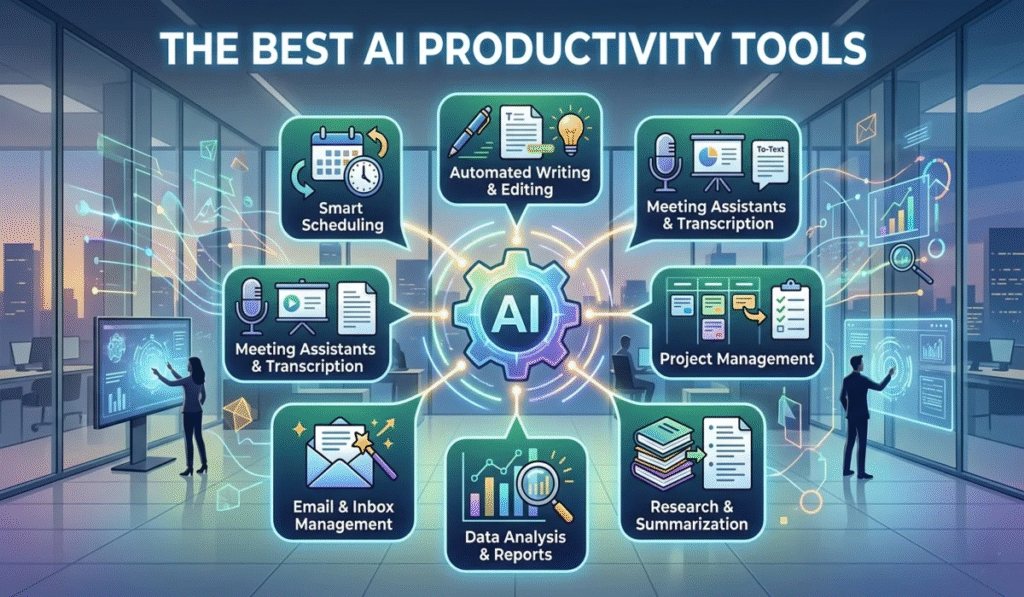
Artificial intelligence has quietly transitioned from a novelty reserved for tech labs into a practical tool used in everyday work. What once required specialized technical knowledge is now accessible to students, creators, professionals, small business owners, and casual users.
AI tools assist with writing, research, project planning, visual design, communication, and data analysis. However, the true value of AI does not come from simply accessing the software. It comes from understanding where these tools genuinely save time and recognizing where human judgment remains indispensable. The most effective strategy is to treat AI as a capable assistant rather than expecting it to work entirely on its own.
What Are AI Productivity Tools?
AI productivity tools are applications that use artificial intelligence to streamline everyday tasks. Depending on the software, AI can generate text, summarize lengthy documents, organize ideas, analyze data, produce images, transcribe audio, or automate repetitive chores.
For example, a student might use an AI tool to structure research notes, while a writer might use it to brainstorm article ideas. A manager might rely on AI to summarize a recorded meeting or draft a routine email. The core objective is simple: reduce manual effort on repetitive tasks so you can focus on work that requires strategic thinking, creativity, and personal experience.
Writing and Editing
Writing is one of the clearest areas where AI provides immediate value. AI writing tools can draft initial paragraphs, rephrase awkward sentences, condense long articles, suggest headlines, and improve overall readability.
These tools are particularly helpful when you know what you want to say but struggle with structure. Instead of staring at a blank screen, you can input your main ideas and use the generated response as a rough starting point.
For editing, AI can quickly flag spelling mistakes, grammatical errors, and awkward phrasing. However, a human editor should always review the final text. AI frequently misses subtle context, flattens unique tone, or produces generic wording that needs personal refinement.
Research and Learning
Conducting thorough research often involves sifting through massive amounts of information. AI speeds up this process by summarizing long papers, explaining complex concepts in plain language, creating study guides, and organizing research notes.
Students and researchers can use these features to understand difficult subjects faster. However, because AI models occasionally generate incorrect or incomplete details, it is critical to verify key facts against primary, authoritative sources. A reliable workflow uses AI to guide early research while relying on established source material for actual facts.
Content Creation
Content creators have access to more digital assistance than ever. AI can help brainstorm blog topics, generate video scripts, outline social media strategies, and suggest visual concepts.
Using AI does not mean handing over your creative voice. The strongest work comes from blending AI efficiency with personal perspective. For instance, you might generate a list of ten topic ideas, select the one that resonates most with your audience, and write the piece using your own stories, tone, and insights. This keeps the final content authentic and engaging.
Image and Visual Work

Generative image tools have reshaped how people approach visual design. Teams can generate concepts, experiment with aesthetic styles, and produce marketing variations in a fraction of the traditional time.
Designers often use AI during the initial brainstorming phase to explore directions before committing to final art. Marketers can quickly mock up campaign concepts. Even non-designers can create functional graphics for basic needs.
Despite these advancements, creative judgment remains essential. An AI-generated graphic might look visually striking, but a human must evaluate whether it effectively communicates the intended message and aligns with brand standards.
Meetings and Workplace Communication
Virtual meetings generate a continuous stream of information that can be difficult to track manually. AI meeting assistants transcribe conversations in real time, highlight key discussion points, summarize action items, and organize follow-up responsibilities.
For teams with heavy meeting schedules, these tools save hours of manual note-taking. Rather than reviewing an hour-long recording, team members can read a brief summary and jump straight to assigned tasks.
When adopting these tools, privacy requires careful thought. Organizations must ensure that automated meeting assistants comply with data protection policies before introducing them to confidential discussions.
Daily Organization and Planning
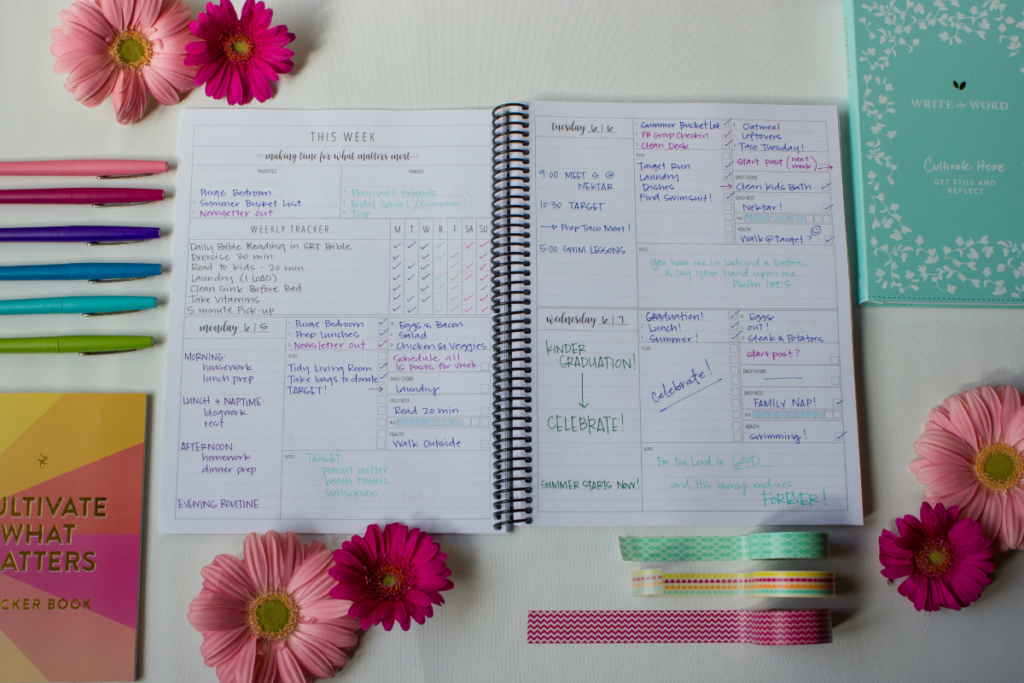
AI is equally effective for organizing minor daily tasks. You can use an assistant to structure a daily schedule, prepare project checklists, brainstorm solutions to operational bottlenecks, or break down overwhelming projects into manageable steps.
If an upcoming event feels difficult to manage, you can ask an AI tool to generate a timeline covering vendor outreach, supply lists, budget tracking, and deadlines. Having a structured draft makes getting started far less intimidating.
Business and Operations
Businesses increasingly rely on AI to support daily operations. Marketing teams use it to draft social media posts and analyze customer feedback trends. Small business owners leverage AI to handle administrative duties that would otherwise demand extra hiring or outsourced labor.
However, companies should never publish or rely on AI outputs blindly. External communications, legal documents, financial forecasts, and sensitive client interactions demand human oversight to guarantee accuracy and maintain trust.
Choosing the Right Tool
Selecting the right AI software can feel overwhelming given the volume of available platforms. The key is to start with a specific problem rather than chasing popular trends.
- For writing bottlenecks: Focus on dedicated writing and editing assistants.
- For meeting fatigue: Look into automated transcription and note-taking services.
- For visual creation: Explore tools built specifically for image generation and graphic editing.
Evaluate software based on ease of use, pricing structures, data privacy policies, and how well it integrates into your existing workflow. A basic tool you use daily is far more valuable than a feature-heavy platform you rarely open.
Free vs. Paid Options
Most AI platforms offer free tiers alongside paid subscription models. Free versions work well for occasional tasks, light editing, or basic experimentation. Paid tiers typically offer higher usage limits, faster processing speeds, priority access during peak hours, and more capable underlying models.
Evaluate your actual usage before upgrading. If a paid tool saves you several hours of work each month, the subscription fee is easily justified. If your needs are intermittent, free tiers are usually sufficient.
Getting Better Results from Prompts
The quality of an AI output directly reflects the clarity of the instructions provided. Vague prompts lead to generic answers.
When making a request, specify the context, target audience, desired tone, format, and key constraints. Instead of asking for “an article about time management,” ask for “a concise guide on time management for remote workers, written in an encouraging tone, focusing on practical morning routines.” Providing reference examples of your preferred style will also yield better results.
Always view the initial output as a rough draft. Review the content, fix factual inaccuracies, remove repetitive phrasing, and inject your own knowledge before finalizing it.
Common Mistakes to Avoid

- Overusing technology: Not every simple task requires an AI prompt. Sometimes a quick manual note is faster and more efficient.
- Skipping fact-checking: Accepting AI responses without verification risks spreading misinformation or making decisions based on faulty data.
- Neglecting privacy: Never input confidential customer records, proprietary code, trade secrets, or personal identification details into public AI tools.
- Outsourcing critical thinking: AI should accelerate your execution, not replace your judgment, analysis, or creative decision-making.
The Future of AI Productivity
AI capabilities are becoming standard features within the software applications people already use daily. Rather than switching between separate AI sites, users can access intelligent assistance directly inside word processors, email clients, project management boards, and design platforms.
As AI integration expands, the ability to critically evaluate and refine AI outputs will become just as valuable as knowing how to prompt the software. Professionals who combine AI efficiency with strong critical thinking, domain expertise, and clear communication will gain the greatest advantage from these evolving tools.
FAQs
1. What are AI productivity tools?
AI productivity tools are software applications that use artificial intelligence to help with tasks such as writing, research, planning, design, and organization.
2. Can AI tools save time?
Yes. AI can handle repetitive tasks, create drafts, summarize information, and organize ideas, helping users complete work more efficiently.
3. Are free AI tools useful?
Yes. Many free AI tools provide useful features for writing, brainstorming, learning, and everyday tasks. Paid plans may offer additional capabilities.
4. How can I choose the right AI tool?
Choose a tool based on the specific task you want to improve, such as writing, research, design, communication, or project management.
5. Should AI-generate content be checked?
Yes. Always review AI-generated information for accuracy, context, and quality before using or publishing it.